Originally published on EmbeddedRelated.
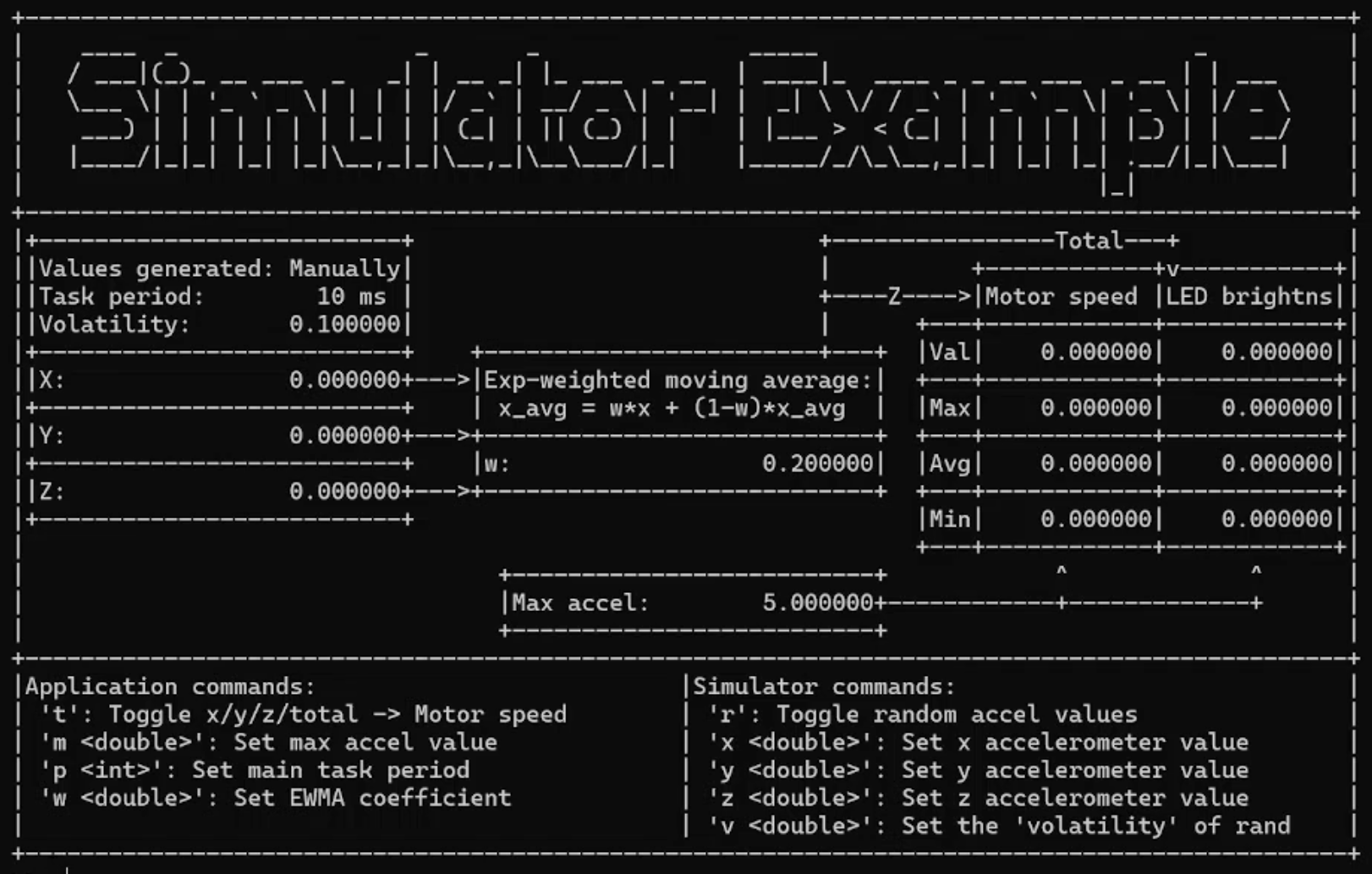
Embedded developers are tied to their hardware in ways that software developers are not: you cannot easily run your code without the board, the sensors, or the physical setup. This first article in a two-part series makes the case that simulation — running your embedded application on a desktop machine — is worth the setup cost, and then shows the simplest possible way to do it. The prerequisite is “isolating the madness”: structuring your code so that hardware-dependent operations are encapsulated behind an interface that can be swapped at compile time. With that in place, the simplest simulator replaces every output with printf and every input with scanf, producing a command-line interface that works immediately on any machine with a C compiler.
The article works through the practical details that trip people up: how to make scanf non-blocking so it does not halt the simulation while waiting for input, how to use ANSI escape codes to make terminal output more readable, and what kinds of bugs this approach is and is not suited to catching. A companion GitHub repo provides working implementations of every technique demonstrated.
Part 1 is explicitly for engineers who want a quick win — a simulator running in an afternoon — rather than a production-grade virtual environment. Part 2 picks up with two more capable options: full virtual hardware simulators (Wokwi, Renode, QEMU, Proteus) that mimic the MCU itself, and a PyQt GUI as a richer front end.
Additional Resources
- Enter the Matrix: Simulate Your Embedded System (Hackaday Supercon 2025) — a talk covering this material with a live demo