Workshop given at Hackaday Supercon 2022, October 2022.
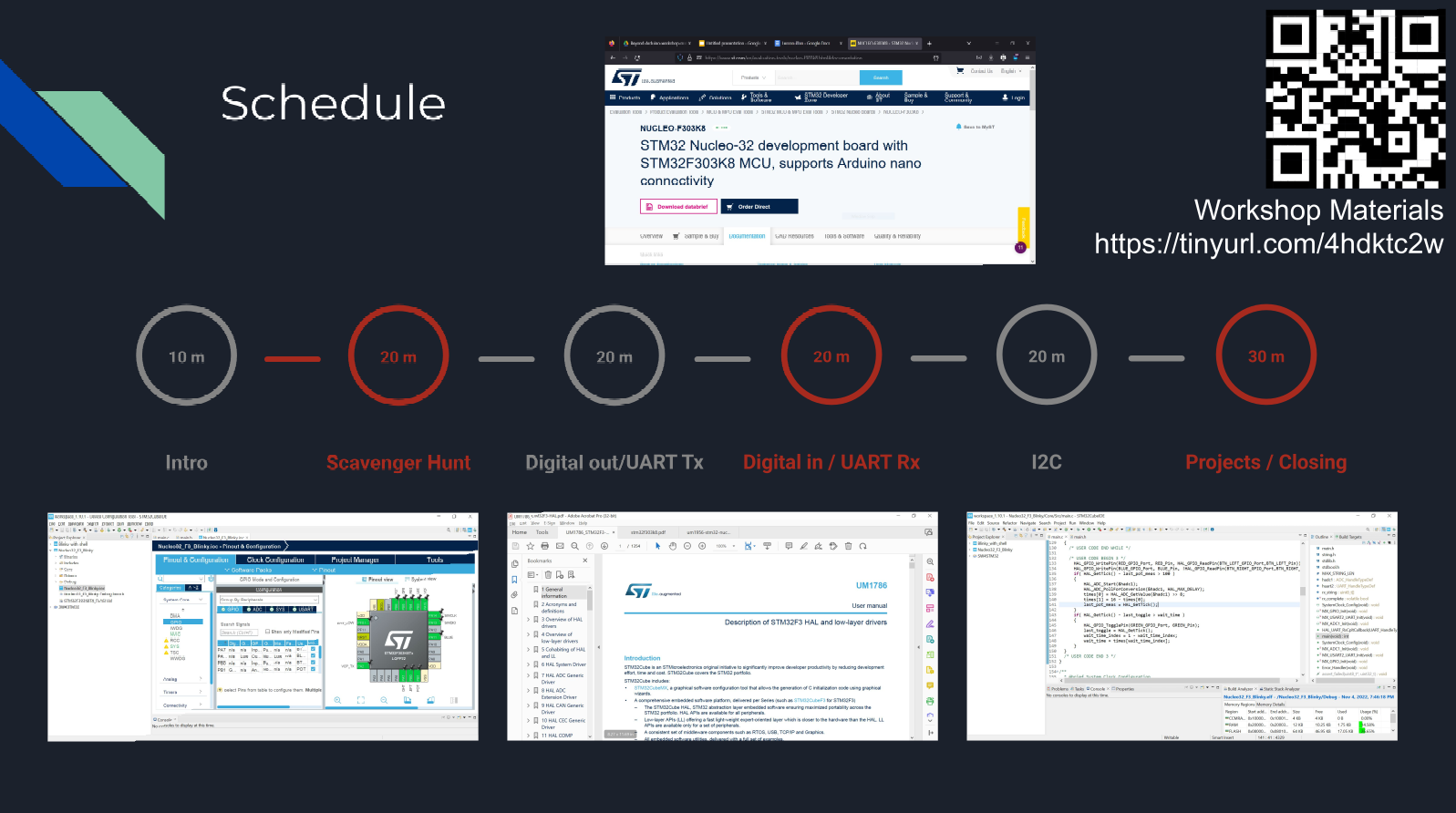
Supercon draws a lot of people who are comfortable with Arduino — they’ve built things, they understand the loop, they’ve probably used a library or two. At some point, though, the comfortable abstraction starts to get in the way: performance, code size, peripheral availability, vendor support. This workshop was for that moment.
The goal was simple: get to blinky on an STM32. Not in a “follow these magic steps” way, but in a “here’s how to actually understand what you’re doing” way — so that the process transfers to any production-grade MCU you might encounter.
Why STM32?
The STM32 family is a reasonable first step past Arduino — widely used in production, well-supported tooling, comprehensive documentation, and available in hobbyist-friendly packages. The specific chip matters less than the process: download the IDE, find the right documentation, read it, write the code.
Getting started: CubeIDE and project setup
I walked through downloading STM32CubeIDE and creating a new project from scratch. For people who’ve only ever used the Arduino IDE, the project structure can feel like a step backwards — more files, more configuration choices. Spending time here pays off, because understanding the project structure makes the HAL make sense.
Reading the documentation
A significant chunk of the workshop was dedicated to documentation: where to find the datasheet, the pinout diagram, the hardware reference manual, and the HAL reference manual. Most Arduino projects don’t require reading the datasheet — the library handles it. Working with the HAL means you’re one layer down, and that means reading.
The “scavenger hunt” was a structured worksheet that sent participants directly into the relevant documents to find specific information: pin drive strength values, alternate function mappings, clock configuration registers. The goal was to build the muscle of navigating dense technical documentation rather than guessing or copying from a tutorial that might be out of date.
Confirming pin drive strength and writing the HAL code
I covered how to verify that a GPIO pin’s drive strength is sufficient for whatever load it needs to drive — a sanity check that’s easy to skip and occasionally matters. From there, we walked through the HAL code to initialize a GPIO pin and toggle it: HAL_GPIO_Init(), HAL_GPIO_WritePin(), the GPIO init struct, and the clock enable macros. Not magic — just function calls with understandable parameters once you know where to look them up.
We ran out of time before getting to I2C, but the resources document covers it along with other peripherals for anyone who wanted to continue on their own.
Prerequisite video
For participants who hadn’t been exposed to MCU architecture before, I put together a short video covering how a microcontroller’s memory is organized, how code gets compiled and linked, and how a programmer loads the result onto the chip. If you’re coming from Arduino and those things feel like black boxes, that video is worth watching before diving into the workshop material.